Case Study · 02
DocLocker
A privacy-first cloud document vault — store, manage, and share files
securely with multi-factor authentication, Cloudinary storage, and
granular access control.
01 — Problem
Why Does This
Need to Exist?
People store sensitive documents — IDs, certificates, contracts — in
random places: Gmail, WhatsApp, phone storage. These have
no real access control, no encryption at upload, and no way to
revoke access. When a device is lost or an account is compromised, everything is
exposed.
DocLocker is built for people who need a
private, secure vault for their important documents — with
proper authentication and granular control over who sees what.
📤
Insecure Storage
Most people store documents in chat apps or email — no encryption,
no access control.
🔑
Single Factor Only
A compromised password = all documents exposed. No secondary
verification layer.
👁️
No Visibility
No audit log of who accessed what, and no way to revoke access
once shared.
💾
Storage Fragmentation
Documents scattered across devices, email drafts, and cloud drives
with no central control.
02 — System Architecture
How It's
Architected
DocLocker uses a
Next.js 15 frontend and API layer with MongoDB as the
primary database and Cloudinary for binary file storage. Account
verification uses a custom
OTP system with a MongoDB TTL index — codes expire
automatically after 5 minutes. JWT tokens with HTTP-only cookies
secure all sessions.
Next.js Frontend
React 19 · Tailwind CSS · Heroicons
↓
Auth Layer
JWT · bcryptjs · HTTP-only Cookies
OTP Verification
Custom OTP · MongoDB TTL Index · 5 min expiry
↓
Next.js API Routes
Zod Validation · Mongoose ODM
↓
MongoDB
User data · Metadata · Permissions
Cloudinary
Binary files · Secure URLs · Transforms
Files are never stored in MongoDB. Only
metadata and Cloudinary secure URLs are persisted.
Cloudinary signed URLs with expiry are used for file delivery — direct
access without a valid session returns nothing.
03 — Database Design
Data
Schema
DocLocker uses 7 MongoDB collections, each with a
precise responsibility. The design handles nested folder hierarchies
via a self-referencing Folder model, OTP-based
verification with an automatic TTL index that expires codes
after 5 minutes, and a RecycleBin that soft-deletes
documents before permanent removal.
Collection Overview — 7 Models
User
Document
Folder
(self-ref)
ShareLink
Otp TTL
RecycleBin
ActivityLog
User
_idObjectId
usernameString · required
emailStringunique
passwordHashString · required
verifiedBoolean · false
createdAt / updatedAtDate
Document
nameString · required
fileUrlString · required
sizeNumber
typepdf | image | docx…
folderId→ Folder (nullable)
userId→ User · required
statusactive | deleted
Folder
(self-referencing)
nameString · required
userId→ User · required
parentFolderId→ Folder · null=root
statusactive | deleted
null parentId = root folder
Otp
TTL 5 min
userId→ User · required
codeString · required
typeregister | login | reset
createdAtDate · default now
index expireAfterSeconds: 300
ShareLink
docId→ Document · required
userId→ User · required
urlString · required
expiresAtDate (optional)
oneTimeBoolean · false
createdAtDate
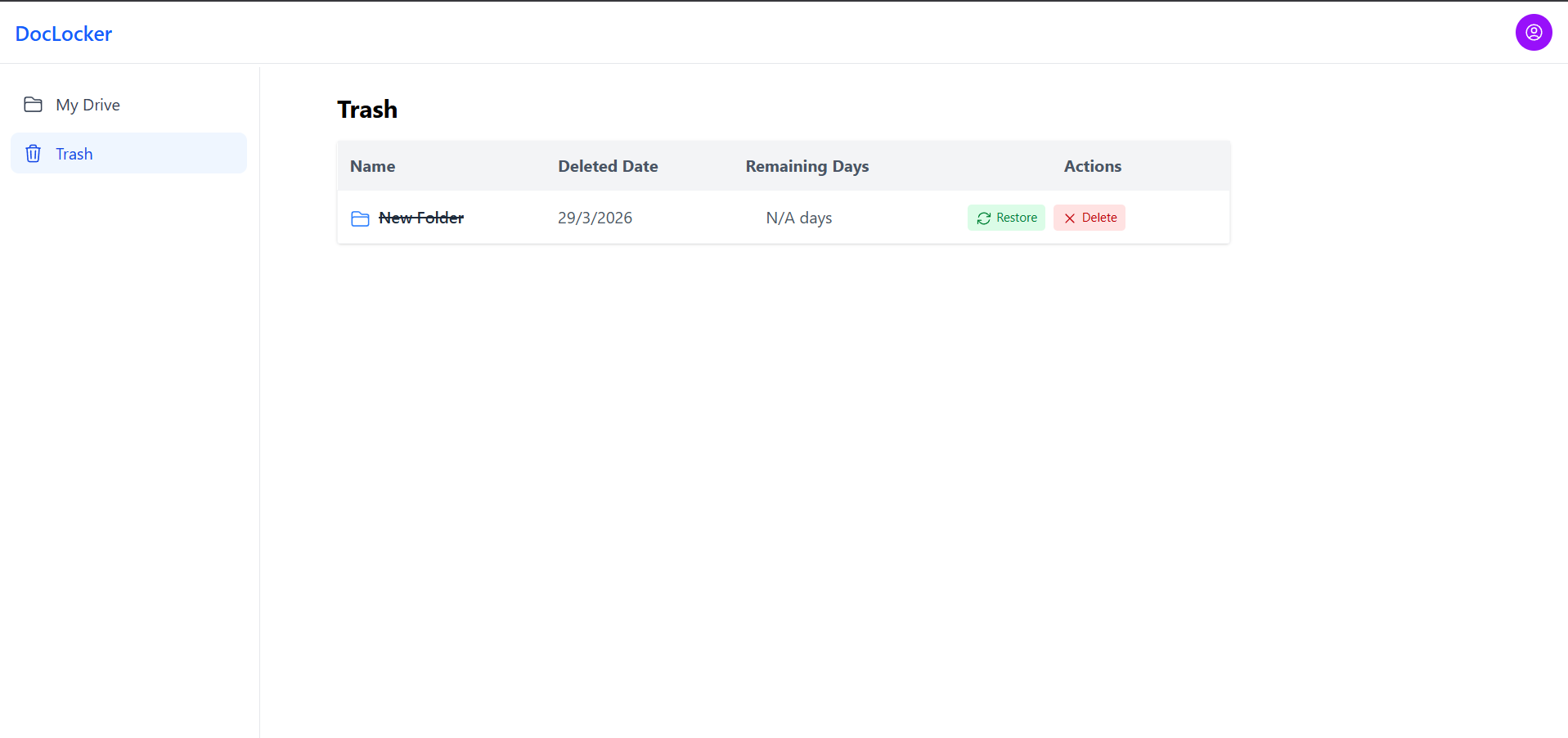
RecycleBin
docId→ Document · required
userId→ User · required
deletedAtDate · default now
soft-delete before permanent removal
ActivityLog
userId→ User · required
activityTypeupload | delete | login
| share | download
targetIdObjectId (doc or folder)
createdAtDate
Key Design Decisions
→ OTP TTL index —
OtpSchema.index({ createdAt: 1 }, { expireAfterSeconds: 300
                })
tells MongoDB to automatically delete OTP documents 5 minutes
after creation. No cron job, no manual cleanup — the database does
it natively.
→
Self-referencing Folder
— parentFolderId: null marks a root folder. Any
folder pointing to another folder's _id becomes a
subfolder, enabling infinite nesting with a single model and no
depth limit.
→
Soft delete with RecycleBin
— Documents are not instantly destroyed. Setting
status: "deleted" on the Document + creating a
RecycleBin entry gives users a recovery window before permanent
deletion.
→
ActivityLog for audit trail
— Every upload, delete, share, login, and download is logged with
the user and target ID. This gives the system a full security
audit trail — essential for a document vault.
→ oneTime ShareLink —
The oneTime: true flag allows generating
burn-after-read share links. Once accessed, the link is
invalidated — no re-use possible.
→
verified flag on User
— Accounts start as verified: false. Login is only
permitted after OTP verification flips this to true,
blocking unverified accounts from accessing the vault.
04 — Features
What DocLocker
Does
🔐
OTP-Based Account Verification
Every new account must verify via OTP before accessing the
vault. OTP codes are stored in MongoDB with a native TTL index —
they auto-expire after 5 minutes with zero application-level
cleanup needed.
☁️
Cloudinary Secure File Storage
Files are uploaded directly to Cloudinary. Signed, expiring URLs
are generated per-request so no file is directly accessible
without an active session.
🔗
Controlled Sharing with Expiry
Share a document via a tokenized link with optional email
restriction, view count limit, and auto-expiry. Revoke access at
any time by invalidating the ShareLink token.
📁
Document Management Dashboard
Upload, preview, rename, and delete documents from a clean
dashboard. Documents show upload date, file type, size, and
current privacy status at a glance.
✅
Zod Schema Validation
Every API input is validated with Zod before hitting the
database. Invalid payloads return structured error messages — no
raw database errors are ever exposed to the client.
05 — Screenshots
UI Walkthrough
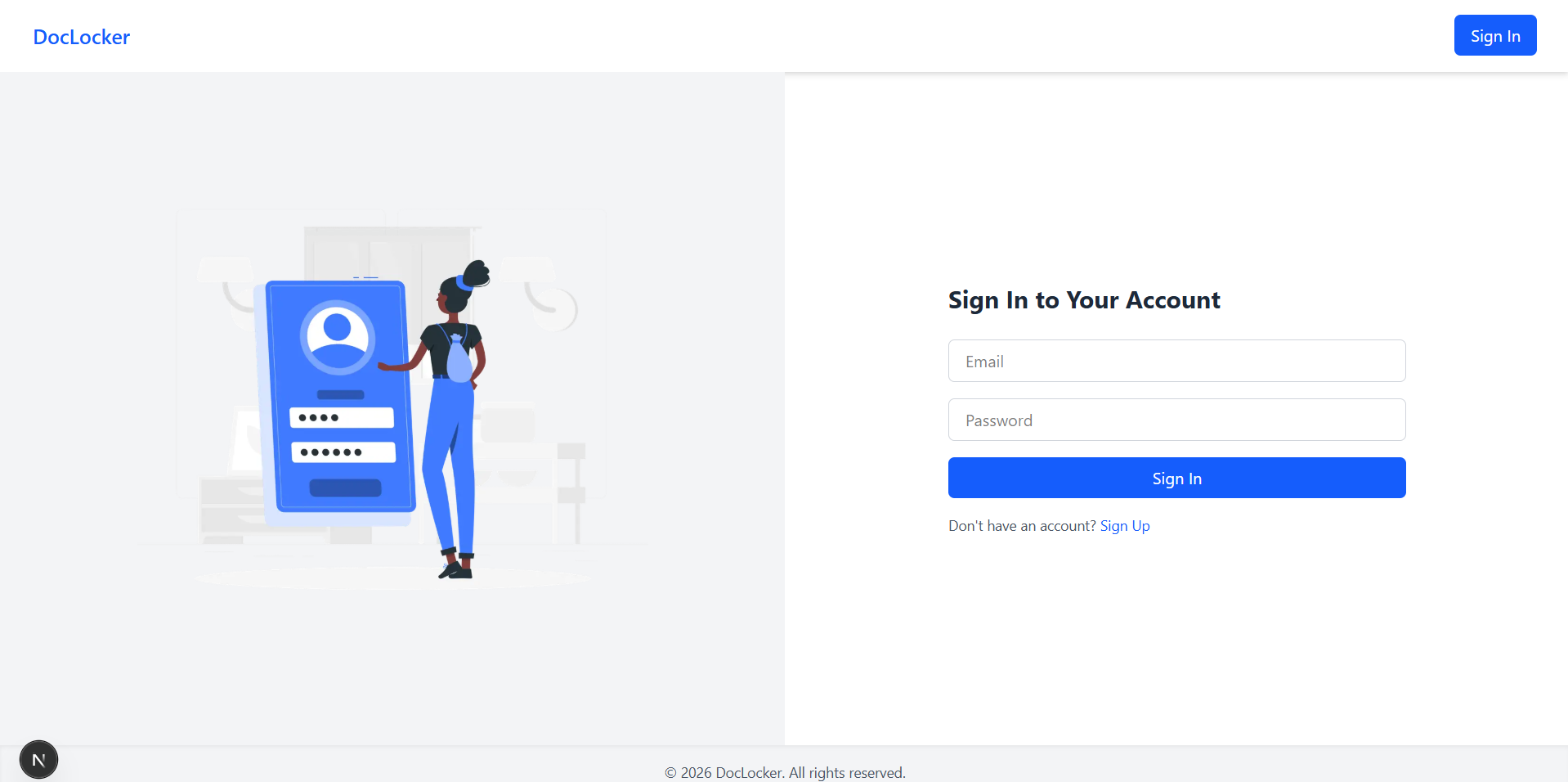
Login with MFA prompt after password
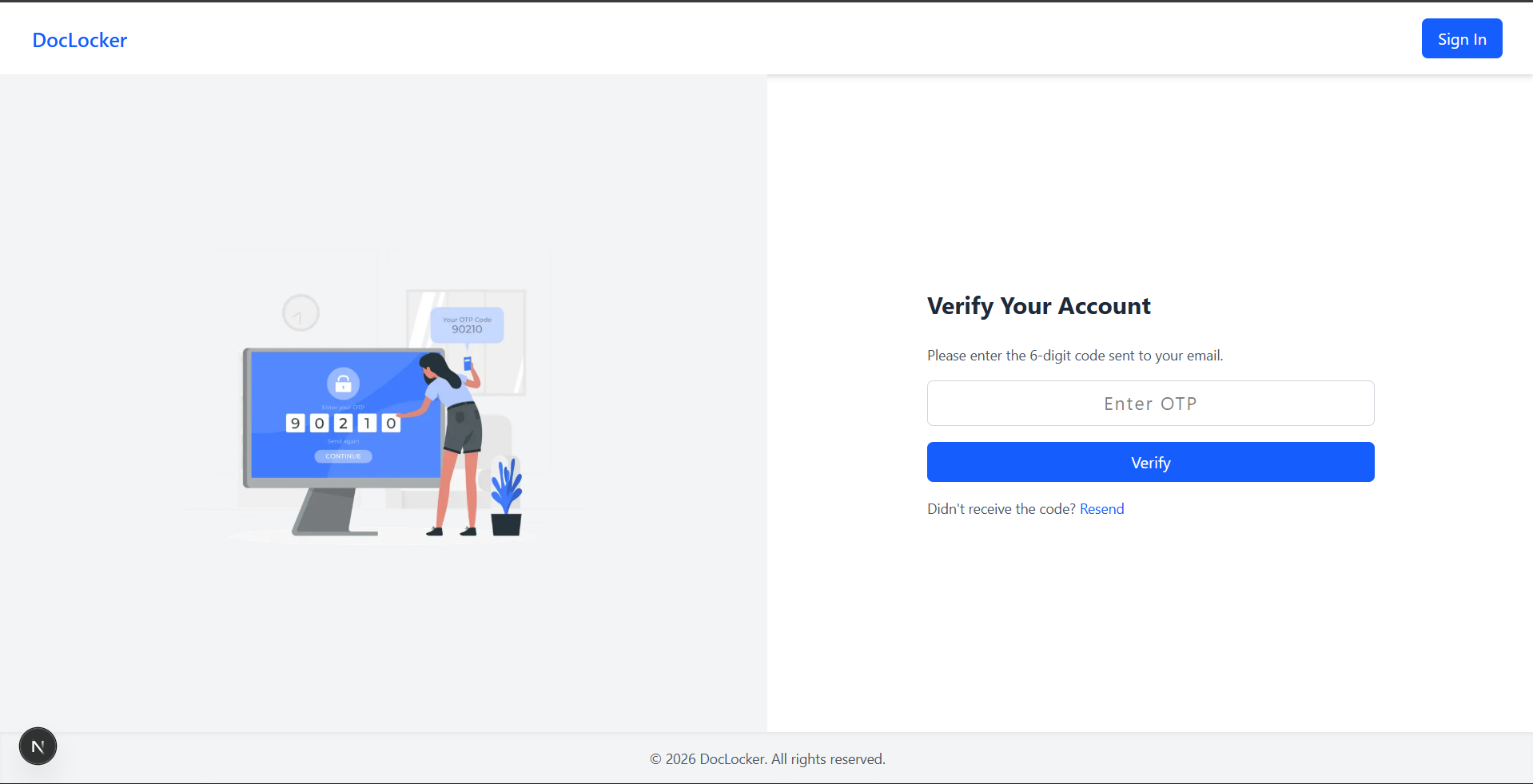
Verify OTP after vaild credential
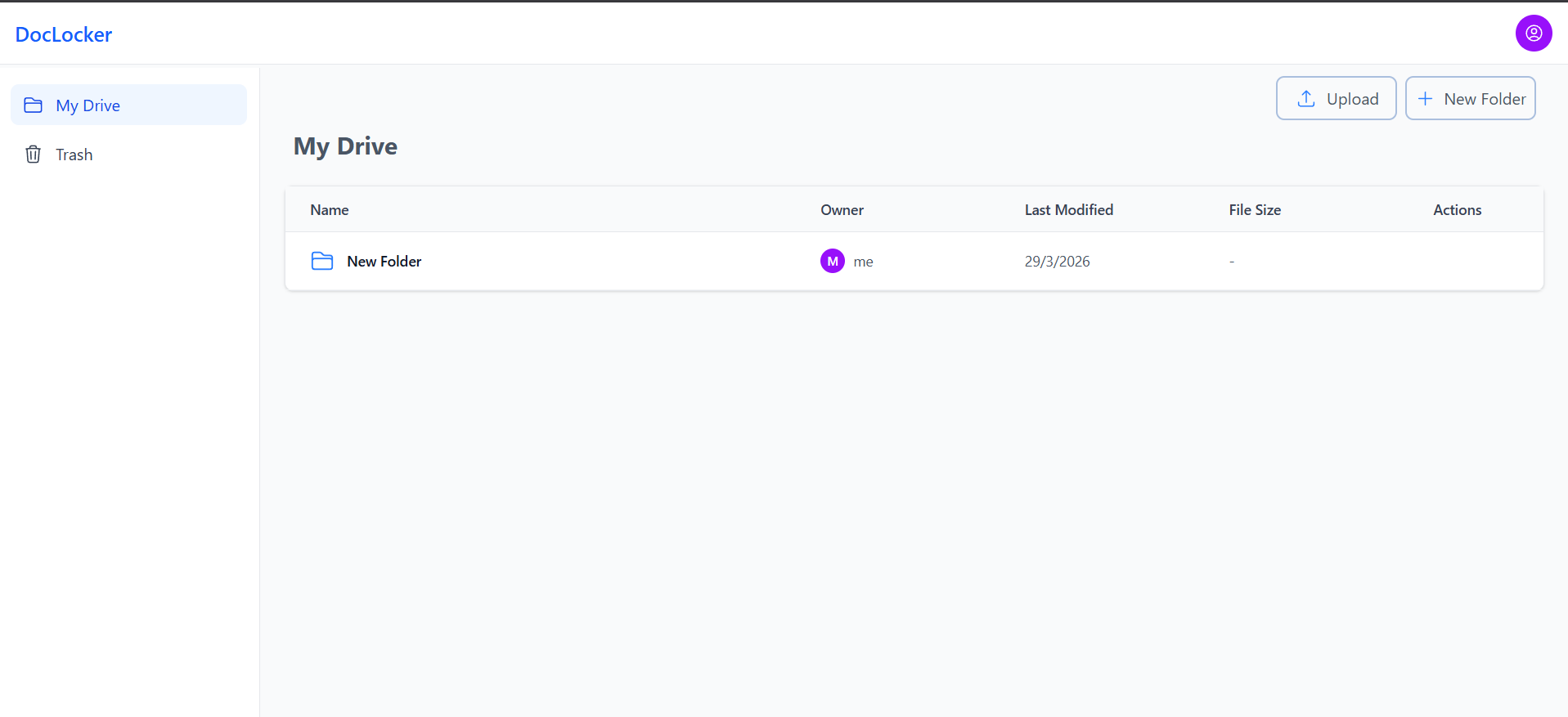
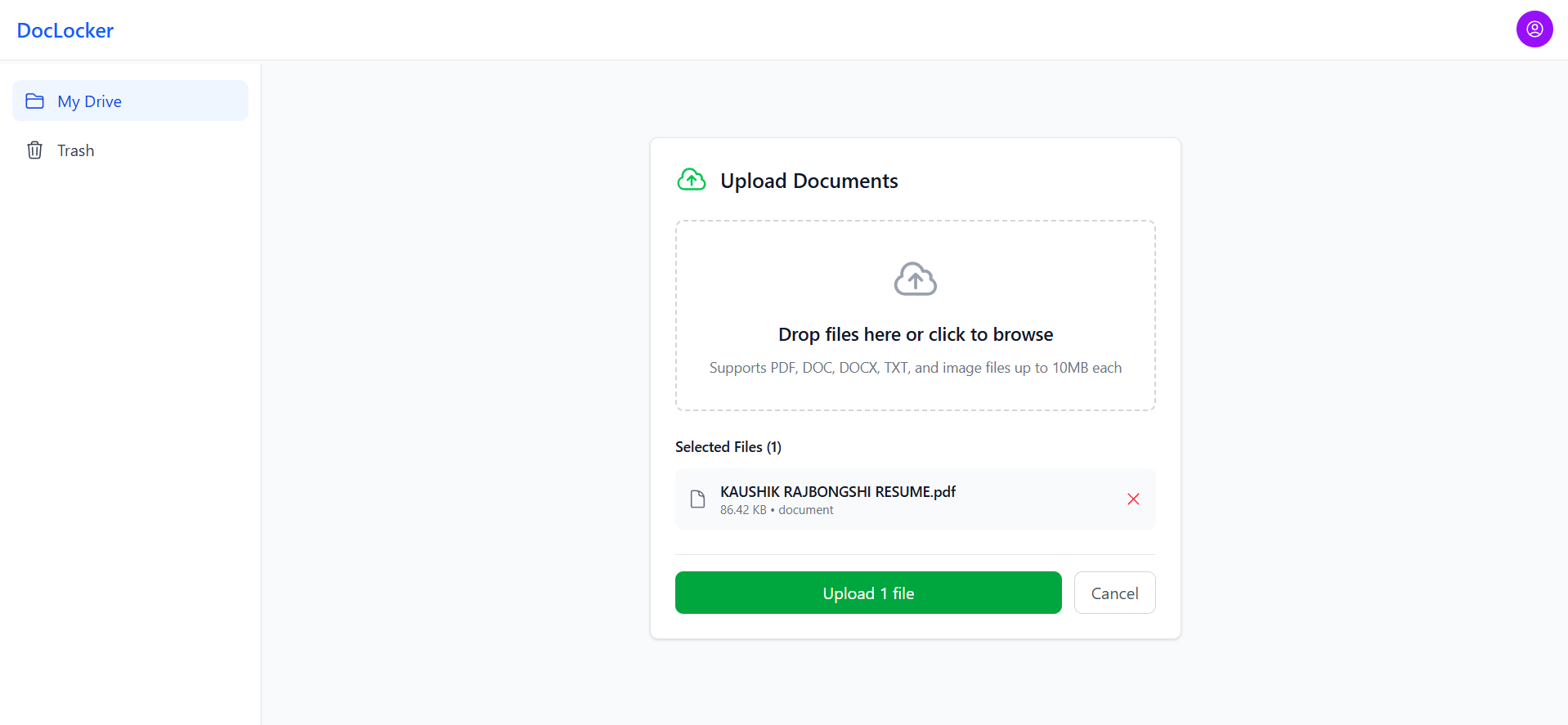
Document grid view with file cards
06 — Challenges
Hard Problems
I Solved
Secure File Delivery Without Exposing Cloudinary URLs
Cloudinary public URLs are permanent by default. I implemented
signed URL generation server-side with a short
expiry window (5 minutes) and tied to the user's session. File
requests go through an API route that validates the session, then
returns a fresh signed URL — so raw Cloudinary links are never
stored client-side or exposed in responses.
OTP Verification Without a Third-Party Service
Instead of relying on Firebase or a paid SMS/email API for OTP, I
built the entire flow in-house using MongoDB's
native TTL index. The challenge was ensuring
codes expire reliably and can't be reused. The solution:
OtpSchema.index({ createdAt: 1 }, { expireAfterSeconds: 300
                })
lets MongoDB's background thread delete expired OTPs
automatically. The verified: false flag on User means
even if someone skips OTP, they simply cannot access the vault.
ShareLink Token Security
Share links need to be
unguessable, expirable, and revocable. I
generated tokens using
crypto.randomBytes(32).toString('hex'), stored the
hash (not the raw token) in MongoDB, and added view-count
enforcement and email restrictions at the API level. Expired or
revoked links return 410 Gone, not 404, to distinguish intentional
revocation from invalid paths.
07 — What I Learned
Key
Takeaways
☁️
Cloud Storage Patterns
Never trust the client with raw storage URLs. Always proxy through
your own API with auth checks.
🔑
Multi-Factor Flows
Chaining two auth systems requires careful state management — a
pre-auth token pattern keeps things safe without race conditions.
🍪
Cookie Security
HTTP-only, SameSite=Strict, Secure flags together make session
cookies nearly immune to common web attacks.
🔗
Token Design
Storing hash of share tokens (not raw value) means a DB breach
doesn't expose valid share links.